Design Tools
Design Tools on MCP Nexus: Image Shrink, Image Sorcery, Media Forge — run locally, data stays in your network.
Skills in this bundle
Image Shrink
Compress JPEG, PNG, WebP, and GIF images locally with adjustable quality to minimize file size without any cloud upload.
Image Sorcery
Computer vision powered image editing: resize, crop, rotate, convert format, enhance, and detect objects in images.
Media Pulse
Topic-based media sentiment monitor using public RSS feeds (Sina / Sohu / Netease / The Paper / Yicai). Modes: trending / brand monitor / crisis alert / competitor track.
See it in action

Design Tools on MCP Nexus: Image Shrink, Image Sorcery, Media Forge — run locally, data stays in your network. MCP Nexus orchestrates 3 skills (Image Shrink, Image Sorcery, Media Forge) into one reproducible workflow that runs on your machine, keeps data in your network, and delivers results in minutes.
- Image Shrink: Compress JPEG, PNG, WebP, and GIF images locally with adjus…
- Image Sorcery: Computer vision powered image editing: resize, crop, rotate…
- Media Forge: Locally process images and videos: resize, convert, compres…
What is Design Tools with MCP Nexus
Design Tools chains 3 skills (Image Shrink, Image Sorcery, Media Forge) into one reproducible workflow covering the key steps from input to result, running fully on-premises with data staying in your network, for teams that need Design Tools on MCP Nexus: Image Shrink, Image So… on demand.
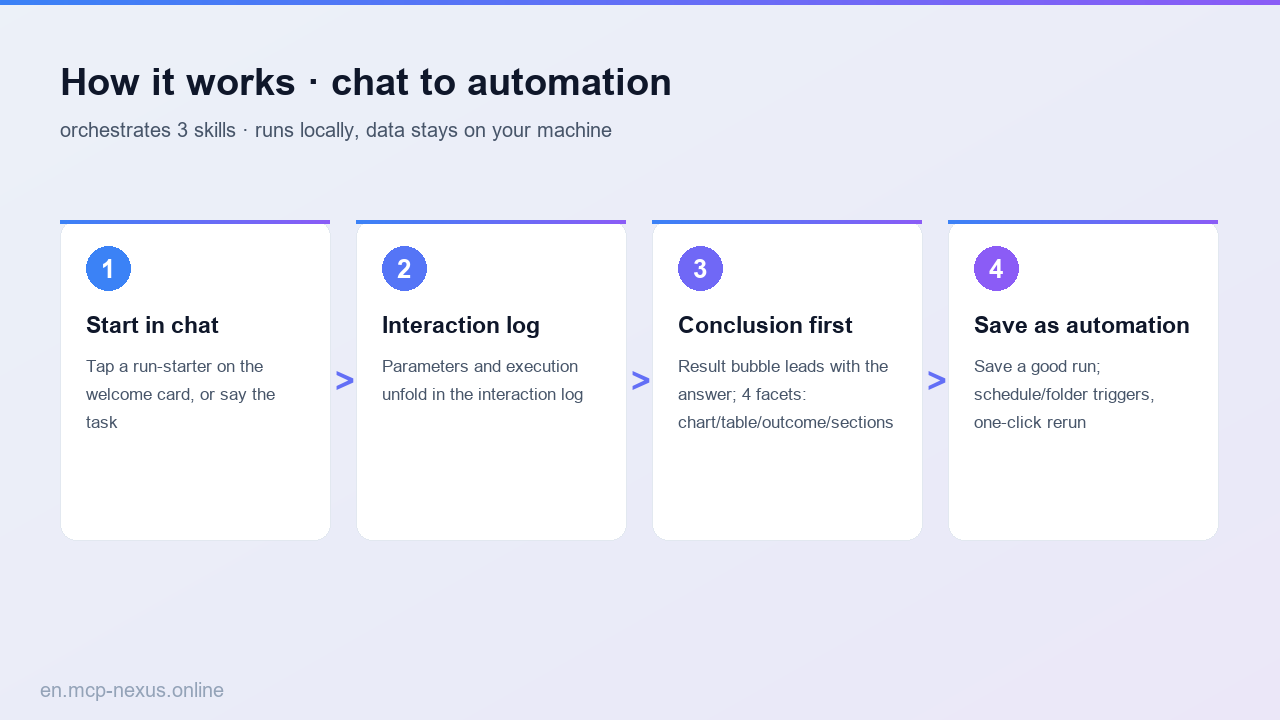
How it works
MCP Nexus vs alternatives
| MCP Nexus | Manual / Excel | Generic AI / Cloud tools | |
|---|---|---|---|
| Pricing | Free tier, metered by calls | Many manual hours | Per-seat plus per-volume fees |
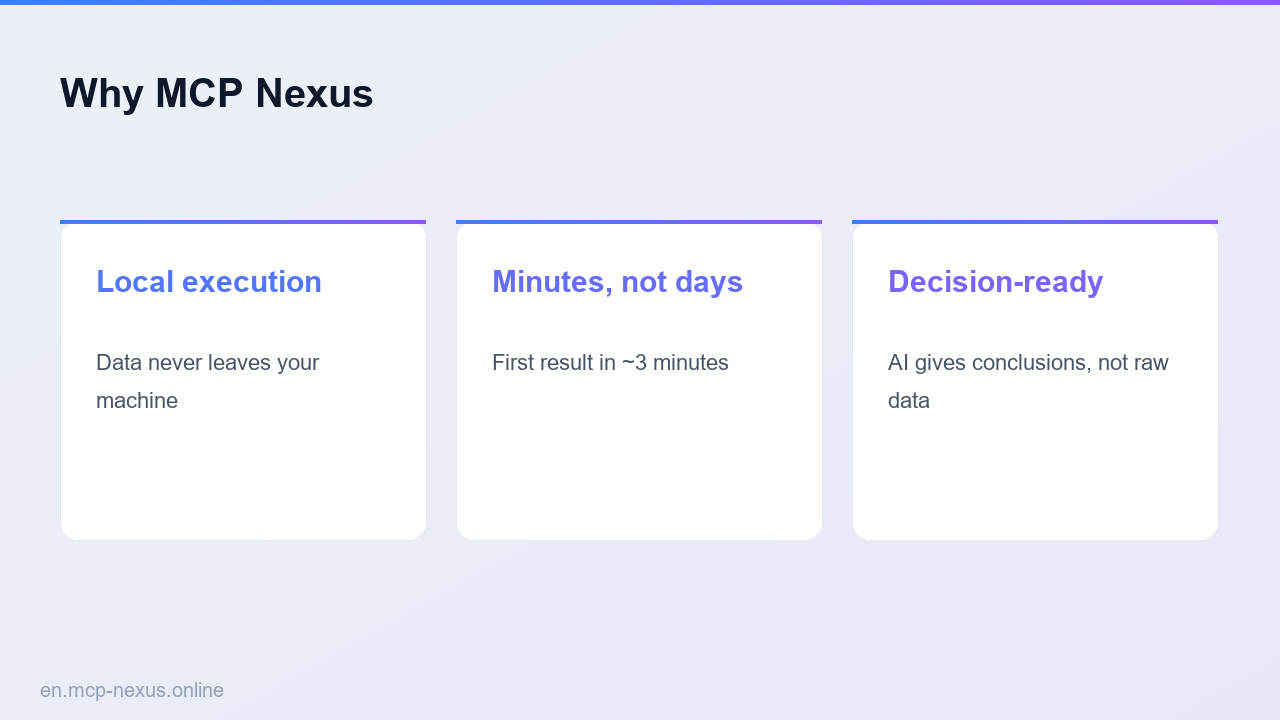
| Local execution | Yes, data stays on-premises | Manual process | No, data leaves your network |
| Setup time | Minutes to first run | Days, experience-dependent | ~1 week integration and training |