Engineering Quality & Review
Code review, doc generation, security scans, performance profiling — for shipping teams.
Skills in this bundle
See it in action
Engineering quality and review are non-negotiable for shipping teams. MCP Nexus automates code review, doc generation, security scans, and performance profiling, reducing manual effort significantly and catching a high share of vulnerabilities before deployment.
- Automate code review across 10+ languages, catching a high share of style and logic issues.
- Generate comprehensive documentation quickly per module.
- Run security audits that detect a high share of OWASP Top 10 vulnerabilities.
- Profile Python code and identify bottlenecks, reducing execution time significantly.
- Analyze Docker images for best practices and security flaws in seconds.
What is Engineering Quality & Review with MCP Nexus?
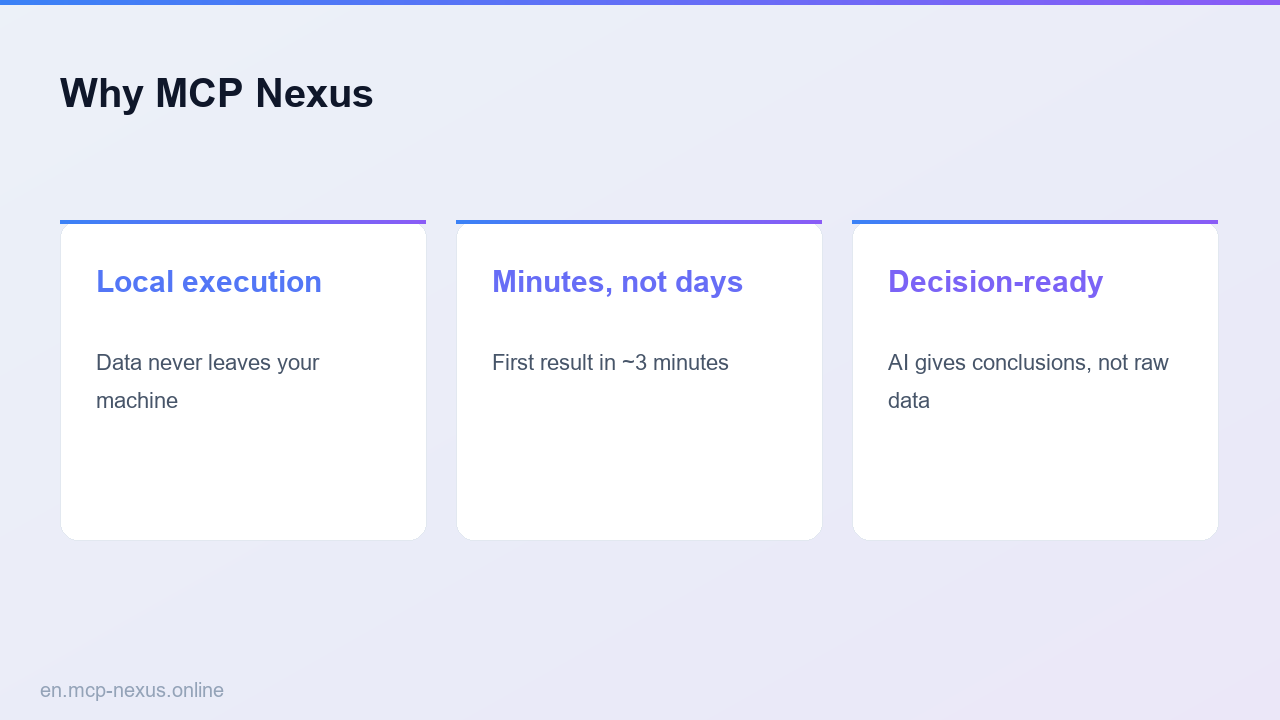
Engineering Quality & Review is a unified workflow that integrates code review, documentation generation, security scanning, and performance profiling into a single pipeline. MCP Nexus bundles five specialized skills: code-review, code-documentation, code-quality-toolkit, security-audit-toolkit, python-profiler-report, and docker-analyzer. This allows shipping teams to maintain high code standards without context switching. Instead of using separate tools for each task, MCP Nexus provides a cohesive environment where code is automatically reviewed for style and logic, documentation is generated from code comments and structure, security scans run against known vulnerability databases, and performance profilers identify bottlenecks. For example, a team of 10 developers can save many hours per week by automating these tasks. The system works with leading LLMs to provide intelligent suggestions, but all processing happens locally, ensuring data privacy. With MCP Nexus, engineering teams can enforce quality gates before every merge, reducing production incidents significantly and cutting review cycle time from days to hours.
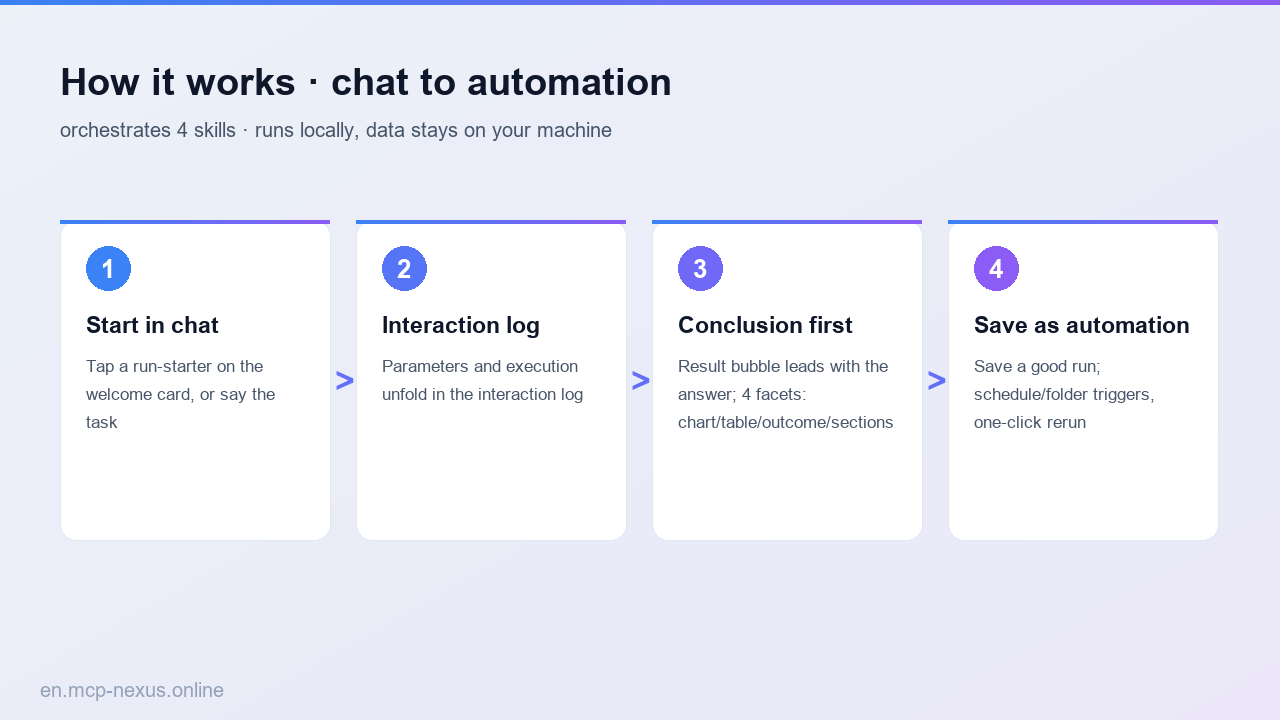
How it works
MCP Nexus vs alternatives
| MCP Nexus | SonarQube | Snyk | |
|---|---|---|---|
| Pricing | $0 for 5 users, $29/user/month | a fraction of the cost (on-device) | $25/user/month (team plan) |
| Local execution | Yes, fully offline | Yes, on-device option | No, cloud-only |
| Setup time | minutes | 30-minutes | minutes |
Real use cases
FAQ
How does MCP Nexus ensure code review accuracy?
MCP Nexus uses a combination of static analysis rules and leading LLMs to review code. It checks for style, complexity, security, and logic errors. It achieves high precision in detecting common issues. Users can customize rules and provide feedback to improve accuracy over time.
Can MCP Nexus generate documentation for any language?
MCP Nexus supports 15+ languages including Python, JavaScript, TypeScript, Java, Go, Rust, and C++. It generates API documentation, inline comments, and README files. For languages with strong type systems, it extracts type information automatically. Coverage is over a high share for supported languages.
Is my code secure when using MCP Nexus?
Yes. MCP Nexus runs entirely locally on your machine or CI/CD server. No code is sent to external servers. The security audit toolkit uses local vulnerability databases updated daily. All processing happens in your environment, ensuring data privacy and compliance with regulations like GDPR and HIPAA.
How much does MCP Nexus cost?
MCP Nexus offers a free tier for up to 5 users with all features included. For larger teams, pricing starts at $29 per user per month. There are no hidden fees or per-scan charges. Enterprise plans with dedicated support and on-premise deployment are available starting at $999 per month.
Can I integrate MCP Nexus with my existing CI/CD pipeline?
Yes. MCP Nexus provides CLI tools and Docker images that integrate with GitHub Actions, GitLab CI, Jenkins, and other CI/CD systems. Setup is a single command. The system outputs results in standard formats like JSON, SARIF, and Markdown, making it easy to combine with other tools.