HR Analytics Report
HR analytics: anonymize to team health to attrition report.
Skills in this bundle
HR Mask
Batch anonymize sensitive employee data (names, IDs, salaries, contact info) in CSV/Excel files with customizable masking rules for GDPR/privacy compliance in HR workflows.
Attrition Radar
Score active employees for attrition risk from behavior signals; flag high-risk. (Action Co-pilot: generates next-best-actions (actions.json), follow-up tasks and calendar reminders on top of the analysis — what to act on today.)
See it in action
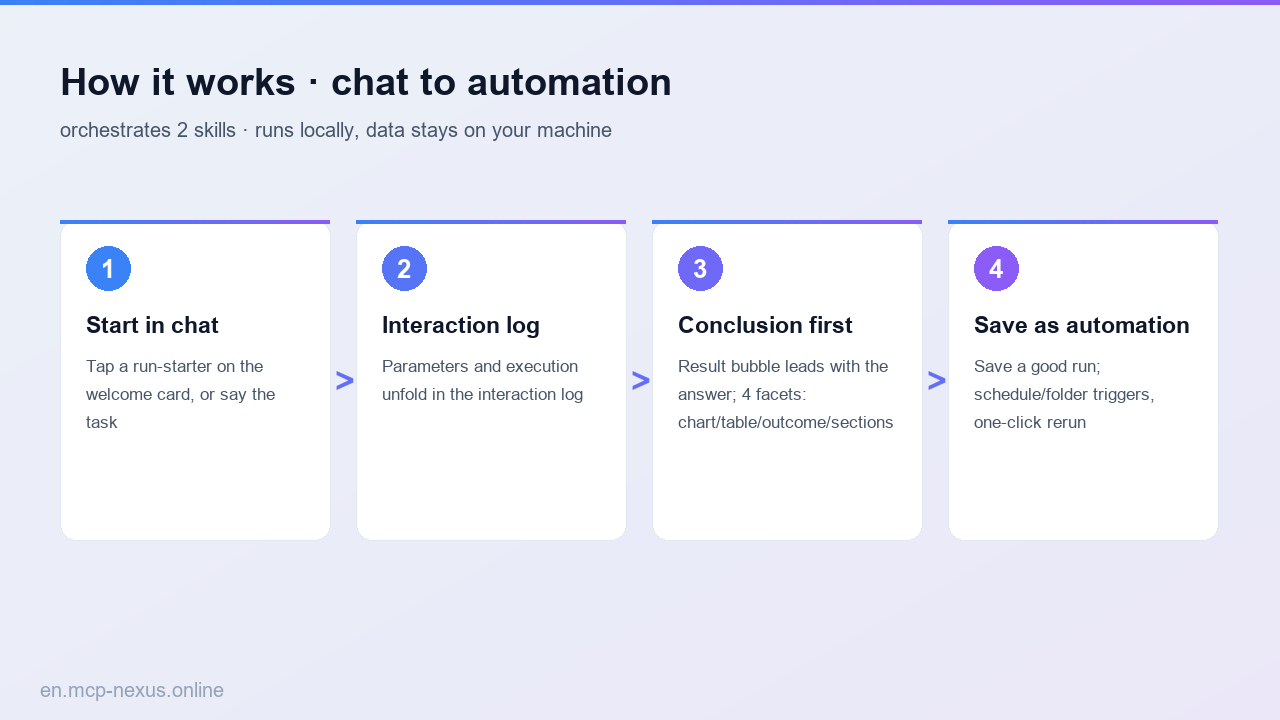
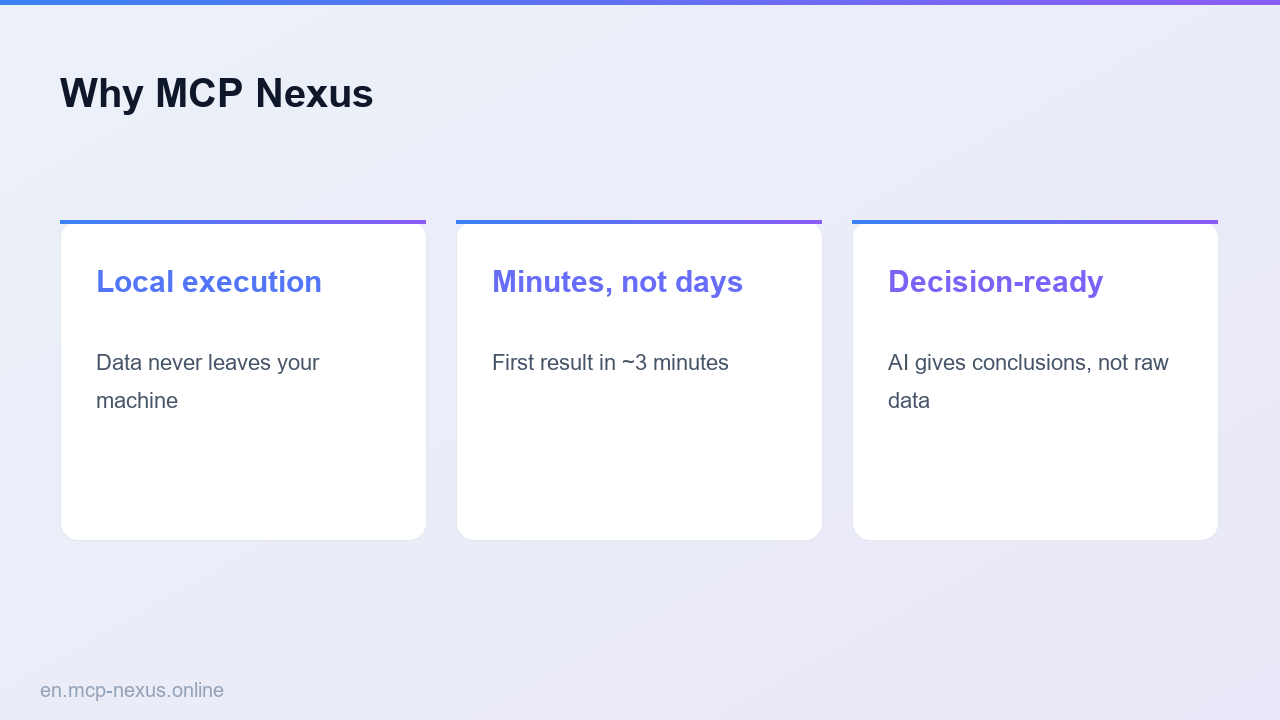

HR analytics: anonymize to team health to attrition report. MCP Nexus orchestrates 3 skills (HR Mask, Team Pulse, Attrition Lens) into one reproducible workflow that runs on your machine, keeps data in your network, and delivers results in minutes.
- HR Mask: Batch anonymize sensitive employee data (names, IDs, salari…
- Team Pulse: Analyze team health assessment data and generate structured…
- Attrition Lens: Generate comprehensive employee attrition analysis reports…
What is HR Analytics Report with MCP Nexus
HR Analytics Report chains 3 skills (HR Mask, Team Pulse, Attrition Lens) into one reproducible workflow covering the key steps from input to result, running fully on-premises with data staying in your network, for teams that need HR analytics: anonymize to team health to attriti… on demand.
How it works
MCP Nexus vs alternatives
| MCP Nexus | Manual / Excel | Generic AI / Cloud tools | |
|---|---|---|---|
| Pricing | Free tier, metered by calls | Many manual hours | Per-seat plus per-volume fees |
| Local execution | Yes, data stays on-premises | Manual process | No, data leaves your network |
| Setup time | Minutes to first run | Days, experience-dependent | ~1 week integration and training |