Office Document Automation
Office Document Automation on MCP Nexus: Field Picker, Doc Sifter, Word Document Editor, Excel Color-Based Cell Counter, Excel Hyperlink Extractor, S…
Skills in this bundle
Field Picker
Upload any document (PDF, scan, Word), name the fields you want, and it reads the text and extracts them into a structured table / JSON. Use it to parse contracts, pull fields from resumes, or extract part numbers and prices from quotes.
Doc Sifter
Extract typed, schema-defined records from any document and query them in natural language.
Word Document Editor
Read and edit Word (.docx) files with tracked-change accept/reject, threaded comment management, footnote operations, and OOXML paraId structural validation.
Excel Color-Based Cell Counter
Count cells by fill color in an .xlsx and compute the count, sum, and average per color
Excel Hyperlink Extractor
Extract every cell hyperlink and its display text from an .xlsx into a summary table with sheet/cell/text/url columns.
Sheet Rename
Batch-rename worksheets by rules (prefix/suffix/regex) or an Excel list
See it in action

Office Document Automation on MCP Nexus: Field Picker, Doc Sifter, Word Document Editor, Excel Color-Based Cell Counter, Excel Hyperlink Extractor, S… MCP Nexus orchestrates 6 skills (Field Picker, Doc Sifter, Word Document Editor, Excel Color-Based Cell Counter and more) into one reproducible workflow that runs on your machine, keeps data in your network, and delivers results in minutes.
- Field Picker: Upload any document (PDF, scan, Word), name the fields you…
- Doc Sifter: Extract typed, schema-defined records from any document and…
- Word Document Editor: Read and edit Word (.docx) files with tracked-change accept…
- Excel Color-Based Cell Counter: 按背景色统计 .xlsx 中各颜色出现的单元格数量、总和、平均
- Excel Hyperlink Extractor: 提取 .xlsx 中所有单元格的超链接 + 显示文本 → 输出汇总表(含 sheet/cell/text/url 四列…
- Sheet Rename: 按规则(前缀/后缀/正则)或 Excel 清单批量重命名工作表
What is Office Document Automation with MCP Nexus
Office Document Automation chains 6 skills (Field Picker, Doc Sifter, Word Document Editor, Excel Color-Based Cell Counter, Excel Hyperlink Extractor, Sheet Rename) into one reproducible workflow covering the key steps from input to result, running fully on-premises with data staying in your network, for teams that need Office Document Automation on MCP Nexus: Field Pi… on demand.
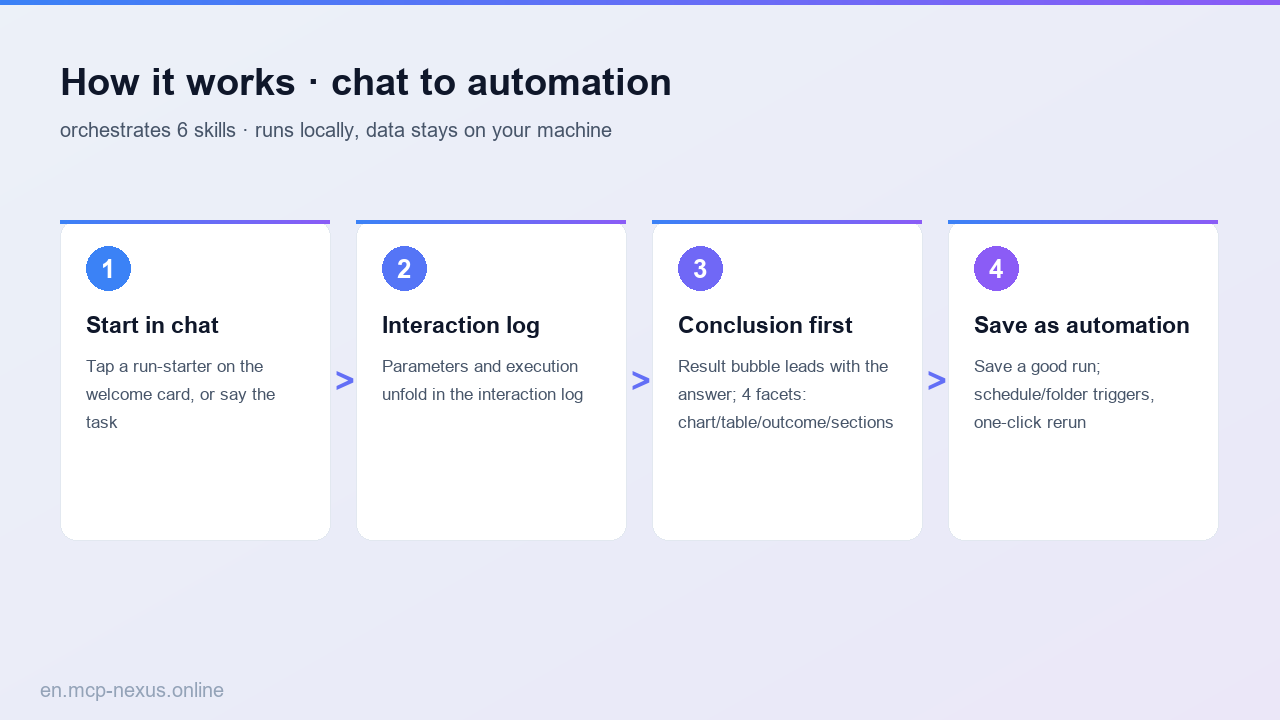
How it works
MCP Nexus vs alternatives
| MCP Nexus | Manual / Excel | Generic AI / Cloud tools | |
|---|---|---|---|
| Pricing | Free tier, metered by calls | Many manual hours | Per-seat plus per-volume fees |
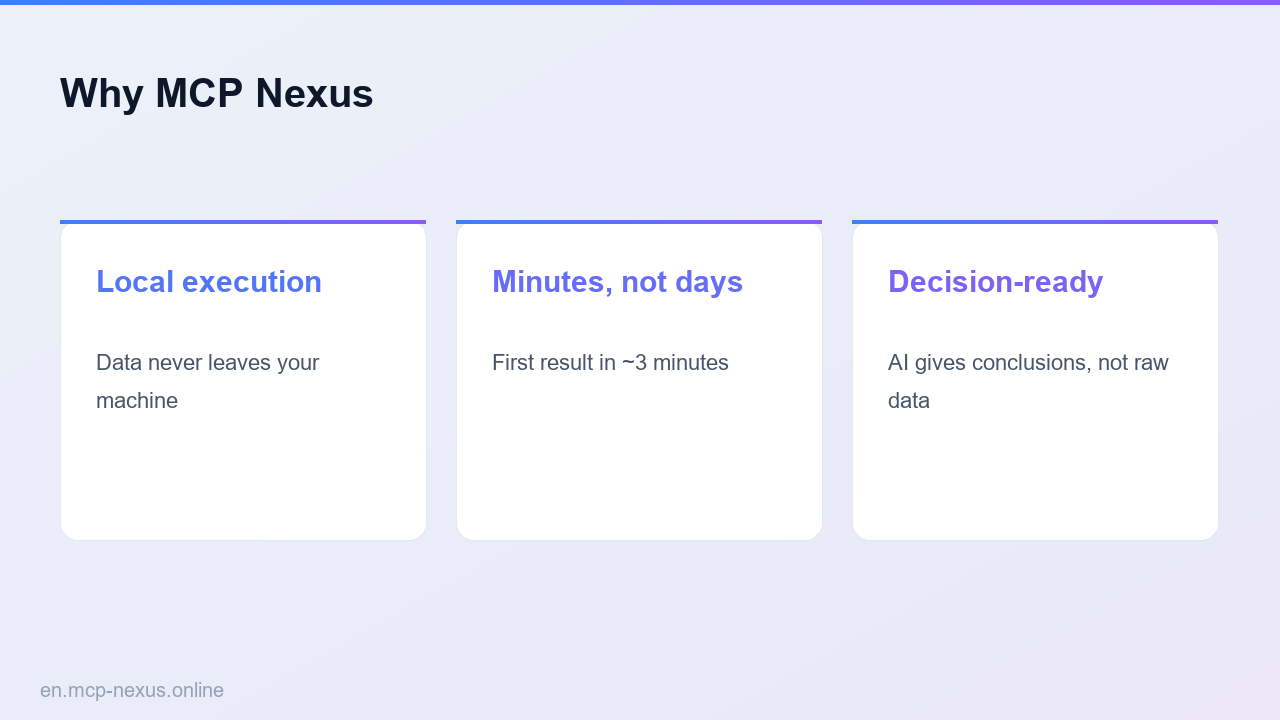
| Local execution | Yes, data stays on-premises | Manual process | No, data leaves your network |
| Setup time | Minutes to first run | Days, experience-dependent | ~1 week integration and training |