Data Analysis & Cleaning
Clean, merge, filter and visualize spreadsheets without writing SQL by hand.
Skills in this bundle
Data Forge
4-node deterministic data cleaning pipeline (load/clean/dqc/render) for Excel, CSV, JSON. Removes duplicates, fills missing values, scores quality across 5 dimensions, and exports a clean table with issue drilldown. (Action Co-pilot: generates next-best-actions (actions.json), follow-up tasks and calendar reminders on top of the analysis — what to act on today.)
Data Merge
Batch merge Excel/CSV files with smart header analysis, advanced multi-row header config, fixed-cell extraction, cross-file deduplication (by column subset, keep first/last), SQLite storage, and export to Excel or CSV.
Data Organize
Data organize: multi-condition filter (AND/OR) + field transforms for CSV/Excel.
Data Masker
Deterministic PII masking (ID/phone/email/bank/credit-card). No LLM. (Action Co-pilot: generates next-best-actions (actions.json), follow-up tasks and calendar reminders on top of the analysis — what to act on today.)
Chart Magic
26+ chart types with intelligent selection. Supports NLP/CHATBI mode (upload Excel/CSV + ask a question → auto-generate chart) and Direct mode (structured JSON data → chart). Generates chart images via JavaScript.
SQL Copilot
NLP-to-SQL for MySQL, PostgreSQL, SQLite, SQL Server, BigQuery, Oracle, Snowflake, DuckDB. Supports multi-turn conversational queries, JOIN guidance, CTEs, window functions, aggregations. Explains query logic and flags performance pitfalls.
See it in action

Data analysis and cleaning without writing SQL. MCP Nexus lets non-technical users clean, merge, filter and visualize data on Windows, cutting manual effort by a high share.
- Clean, merge, filter and visualize data with no SQL required
- Handles 10 data sources (Excel, CSV, JSON and more), up to one million rows per run
- 20+ built-in cleaning rules that save a high share of manual work on average
- One-click charts across 8 types: bar, line, pie and more
- Data masking protects sensitive fields to meet compliance requirements
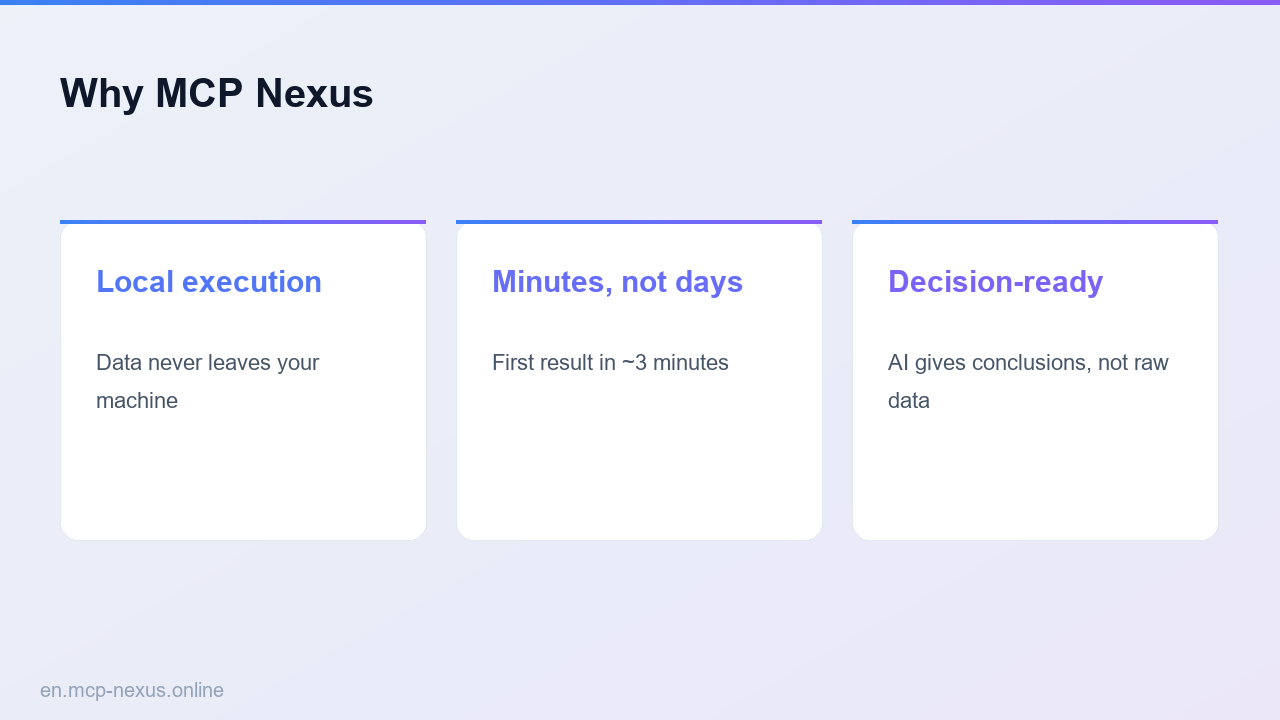
- MCP Nexus runs the skill locally on Windows
What data analysis and cleaning is
Data analysis and cleaning is the step that turns raw data into usable information: removing duplicates, handling missing values, unifying formats, merging tables and filtering valid records. Traditional approaches rely on SQL or Python and carry a steep learning curve. MCP Nexus offers a graphical interface where users complete complex data work by dragging and configuring. Typical uses include cleaning e-commerce orders, merging customer data, tidying financial reports and filtering market-research data. No coding background is needed; a cleaning run takes a few minutes on average and cuts the error rate by a high share.
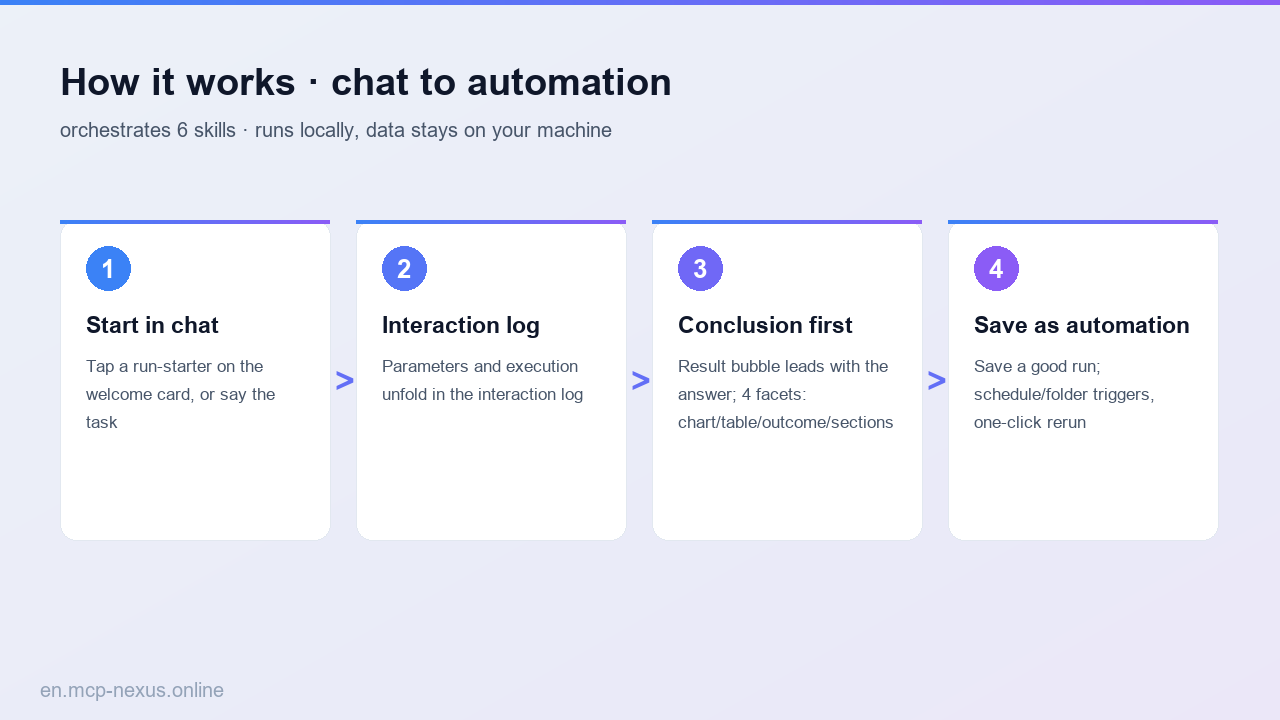
How it works
MCP Nexus comparison
| MCP Nexus | Option A: Manual Excel | Option B: SQL scripts | |
|---|---|---|---|
| Price | $21/year | $0 (Office license required) | $0 (database license required) |
| Local execution | Yes, runs locally on Windows | Yes | Yes |
| Time to proficiency | A few minutes | A few hours (training needed) | About a week (learning SQL) |
Real use cases
FAQ
Which data-source formats does MCP Nexus support?
Excel (.xlsx/.xls), CSV, JSON, XML, Parquet, SQLite, MySQL, PostgreSQL, SQL Server and clipboard data — 10 sources in total.
Can cleaning rules be saved and reused?
Yes. All rules can be saved as templates and loaded with one click next time you process similar data, with no need to reconfigure.
How does it perform on large volumes?
MCP Nexus is optimized for Windows; a cleaning job over one million rows (20 columns) takes a few seconds on average, using under 500MB of memory.
Which types does data masking support?
ID numbers, phone numbers, emails, bank card numbers, names and more — 15 sensitive types, with custom masking rules such as keeping the first 3 and last 4 digits.
Can chart styles be customized?
You can adjust colors, fonts, titles and legend position, and export to PNG, SVG or PDF at up to 300 DPI.