Excel Automation
Clean sheets, write formulas in plain language, dedup rows, split huge files, chart in one click.
Skills in this bundle
Data Forge
4-node deterministic data cleaning pipeline (load/clean/dqc/render) for Excel, CSV, JSON. Removes duplicates, fills missing values, scores quality across 5 dimensions, and exports a clean table with issue drilldown. (Action Co-pilot: generates next-best-actions (actions.json), follow-up tasks and calendar reminders on top of the analysis — what to act on today.)
Excel Chart Magic
Auto-detect data columns in an .xlsx, then generate bar/line/pie charts and embed them in a new sheet
Formula Sage
Nl excel for office scenarios and output a structured, reviewable result with actionable recommendations. Prompt-class skill; results require human review.
Excel Duplicate Row Finder
Identify duplicate rows in an .xlsx by a combination of columns, then highlight or delete them.
Cell Unmerge
Unmerge all merged cells in an .xlsx and copy the merged value into every resulting cell
File Splitter
Split huge CSV/Excel files into smaller parts by row count, by column value (group same-value rows together), by row range, or by target file size. Streams hundreds of millions of rows without blowing memory. Auto-detects UTF-8/GBK encoding.
See it in action


MCP Nexus automates Excel work locally on Windows: clean sheets, write formulas in plain language, dedup, split huge files and chart in one click, no VBA, lifting throughput by a large share.
- Generate Excel formulas from a plain-language description
- One-click dedup, cleaning and split/merge cells
- Handle ~one million rows per run; split huge files by row or column
- One-click bar/line/pie charts
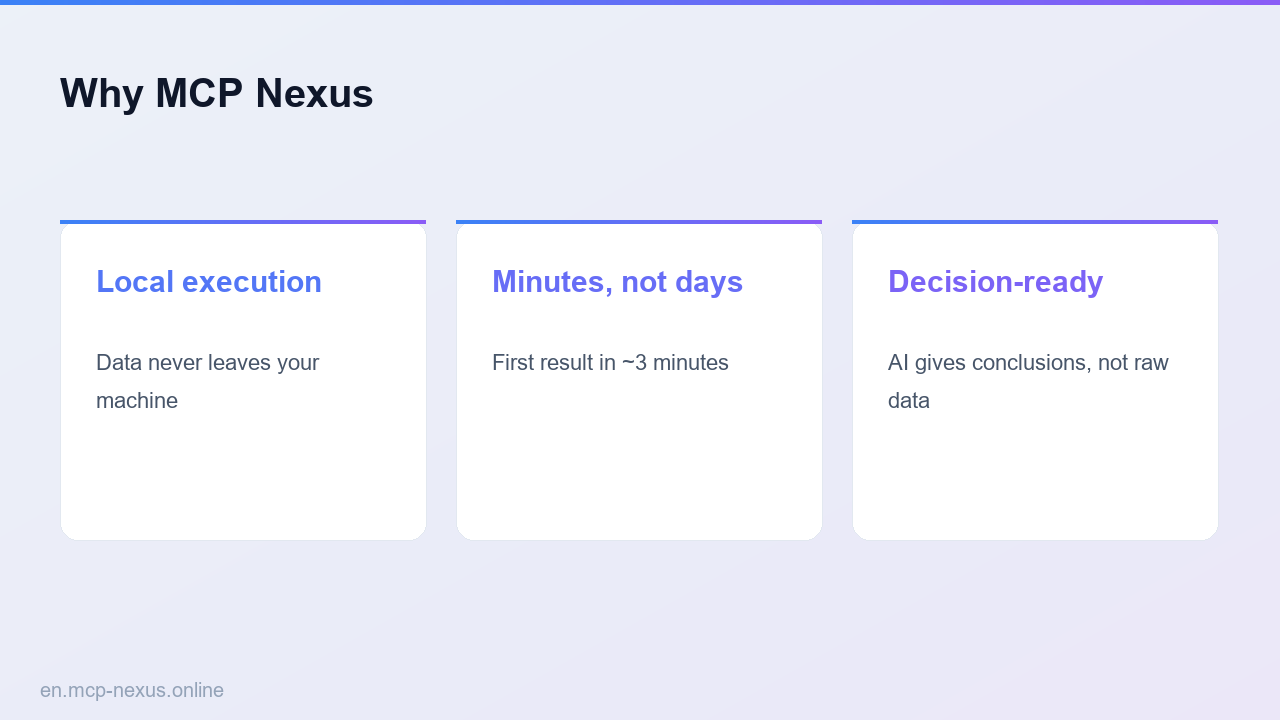
- Runs locally on Windows, sheets never leave the machine
What Excel automation is
Excel automation turns repetitive spreadsheet work (cleaning, dedup, formulas, splitting, charting) into automated steps. The old way relies on manual work or VBA, which is high-friction and error-prone. MCP Nexus packages these as configurable skills: describe what you want in plain language and it generates formulas, cleans and splits in bulk with no coding, clearing a batch of sheets in a few minutes. Ideal for routine reports, data tidying, bulk renaming and charting.
How it works
MCP Nexus comparison
| MCP Nexus | Option A: Manual Excel | Option B: VBA scripts | |
|---|---|---|---|
| Price | $21/year | $0 (Office required) | $0 (dev required) |
| Local execution | Yes, on Windows | Yes | Yes |
| Time to proficiency | A few minutes | A few hours | About a week (VBA) |
Real use cases
FAQ
Can I use it without writing formulas?
Yes. Describe the task in plain language and it generates the formula, no syntax memorization.
How large a file can it handle?
Optimized for Windows, it handles ~one million rows per run; huge files can be split by row count or column value.
Which operations are supported?
Cleaning, dedup, formulas, merge/split cells, bulk sheet renaming, huge-file splitting and one-click charting.
Is the data secure?
Everything runs locally on Windows; sheets are never uploaded.