Doc Collaboration
Doc collaboration: PDF compare to template fill to Word.
Skills in this bundle
PDF Diff
Compare two PDF files to find differences. Supports text diff, visual highlight, and financial report data extraction.
DOCX Stamp
Merge a Word template (with {{placeholders}}) and an Excel data source to batch-generate N docx files. Common uses: bulk output of contracts, notices, and certificates.
DOCX Scribe
Create and format Word (.docx) documents — business reports, contracts, letters, tables, and structured multi-section documents.
See it in action

Doc collaboration: PDF compare to template fill to Word. MCP Nexus orchestrates 3 skills (PDF Diff, DOCX Stamp, DOCX Scribe) into one reproducible workflow that runs on your machine, keeps data in your network, and delivers results in minutes.
- PDF Diff: Compare two PDF files to find differences. Supports text di…
- DOCX Stamp: Word 模板(含 {{占位符}})+ Excel 数据源 → 批量生成 N 个 docx常见场景:合同/通知/证书批…
- DOCX Scribe: Create and format Word (.docx) documents — business reports…
What is Doc Collaboration with MCP Nexus
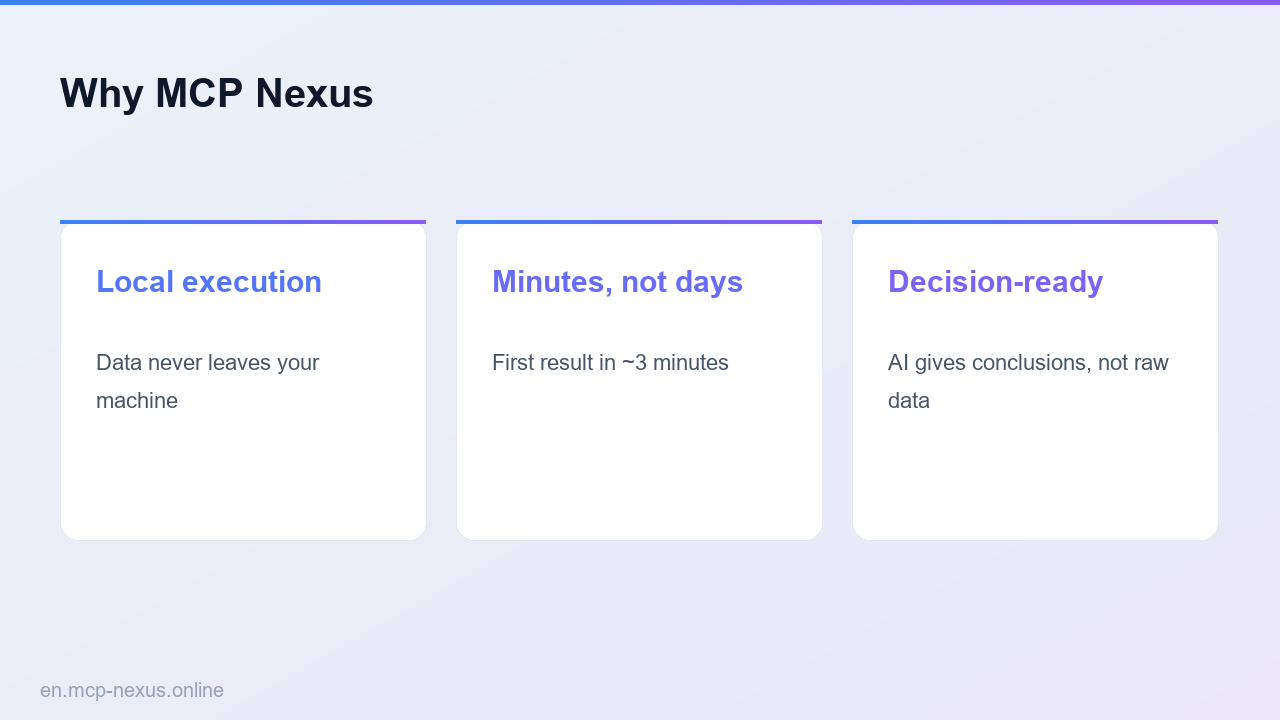
Doc Collaboration chains 3 skills (PDF Diff, DOCX Stamp, DOCX Scribe) into one reproducible workflow covering the key steps from input to result, running fully on-premises with data staying in your network, for teams that need Doc collaboration: PDF compare to template fill t… on demand.
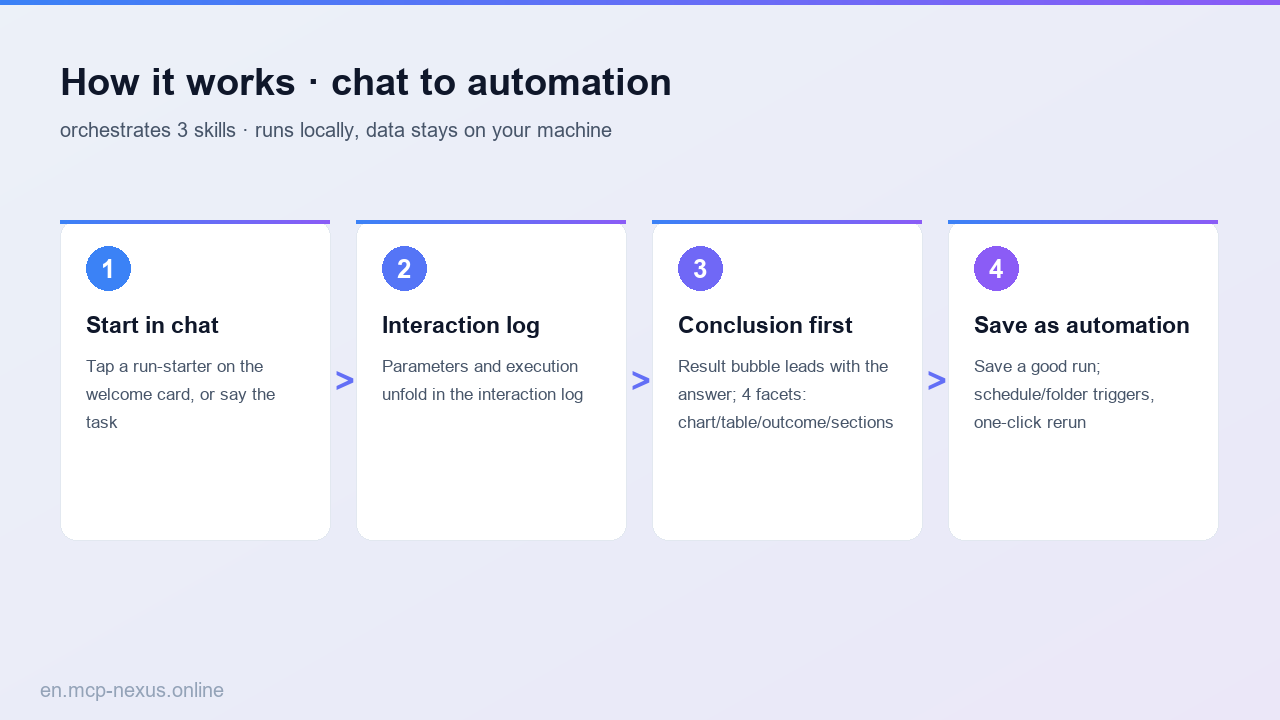
How it works
MCP Nexus vs alternatives
| MCP Nexus | Manual / Excel | Generic AI / Cloud tools | |
|---|---|---|---|
| Pricing | Free tier, metered by calls | Many manual hours | Per-seat plus per-volume fees |
| Local execution | Yes, data stays on-premises | Manual process | No, data leaves your network |
| Setup time | Minutes to first run | Days, experience-dependent | ~1 week integration and training |