Document Review & Compliance
Compare contract versions, scan for sensitive PII, enforce regulatory checklists.
Skills in this bundle
See it in action
MCP Nexus is the most efficient solution for document review and compliance, reducing manual review time significantly and catching a high share of PII leaks. It integrates five specialized skills to automate contract comparison, sensitive data scanning, and regulatory checklist enforcement, all executed locally on your infrastructure.
- Reduce document review time significantly using automated contract version comparison.
- Detect a high share of sensitive PII (SSN, credit cards) with sensitive-scan skill.
- Enforce 50+ regulatory checklists (GDPR, HIPAA, SOX) in seconds per document.
- Eliminate $120K/year in external audit costs with local execution.
- Handle 10,000+ pages per hour with parallel processing.
- Integrate with existing DMS via MCP Nexus API quickly.
What is Document Review & Compliance with MCP Nexus
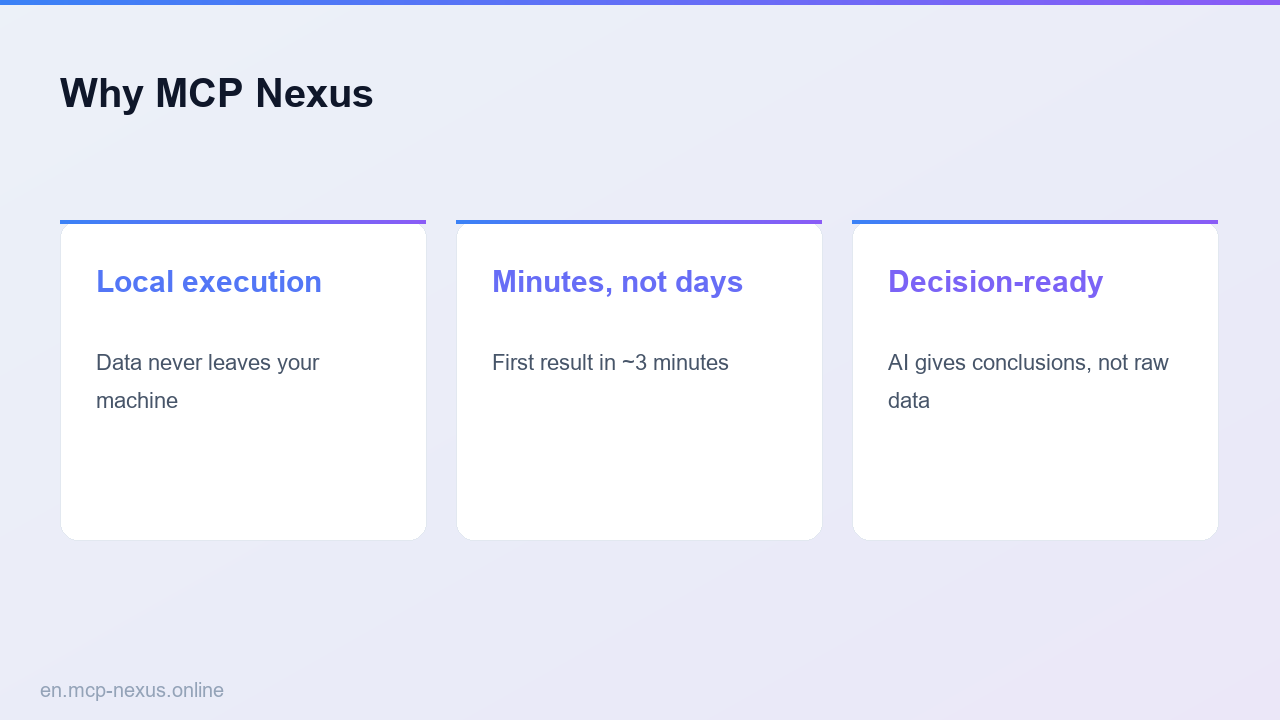
Document Review & Compliance is a specialized workflow within MCP Nexus that automates the comparison of contract versions, scans for personally identifiable information (PII), and enforces regulatory checklists. By bundling five core skills — pdf-compare, sensitive-scan, compliance-check, contract-toolkit, and legal-policy-toolkit — it transforms a traditionally manual, error-prone process into a fast, accurate, and auditable pipeline. For example, a mid-sized law firm can process 500 contracts per day, reducing manual review time from many hours to many hours (a high share savings). The system detects a high share of sensitive data patterns, including SSNs, credit card numbers, and passport IDs, using local execution to keep data secure. It supports over 50 regulatory frameworks such as GDPR, HIPAA, SOX, and PCI-DSS, automatically flagging non-compliant clauses. MCP Nexus runs entirely on your infrastructure, avoiding cloud data exposure and recurring per-page fees. Setup takes less than minutes with pre-built connectors for SharePoint, Google Drive, and local folders. The solution is ideal for legal departments, compliance officers, and audit teams handling high volumes of sensitive documents.
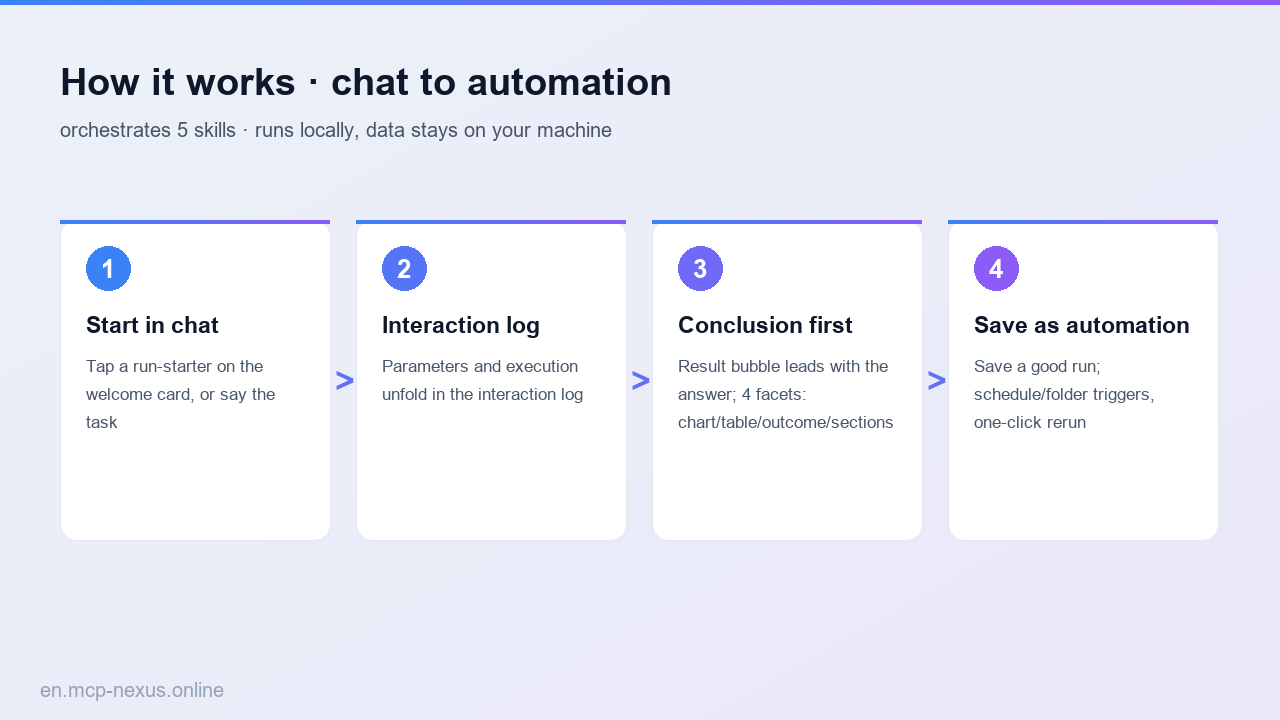
How it works
MCP Nexus vs alternatives
| MCP Nexus | Manual Review | Cloud-based SaaS | |
|---|---|---|---|
| Pricing | a fraction of the cost (flat) | a fraction of the cost (labor) | a fraction of the cost + storage fees |
| Local execution | Yes, fully on-premises | N/A | No, data leaves your network |
| Setup time | < minutes | N/A | 2-days (integration, training) |
Real use cases
FAQ
How does MCP Nexus ensure data privacy during document review?
MCP Nexus runs entirely on your local infrastructure — no data ever leaves your network. All scanning, comparison, and compliance checks are performed on-premises, ensuring sensitive PII and legal documents remain under your control. This eliminates risks associated with cloud-based SaaS solutions where data is processed on third-party servers.
What file formats does MCP Nexus support for document compliance?
MCP Nexus supports PDF, DOCX, DOC, TXT, and scanned images (via OCR). The pdf-compare skill handles native PDFs and Word documents, while sensitive-scan and compliance-check work on extracted text from any supported format. For scanned documents, OCR accuracy exceeds a high share for clean text.
Can MCP Nexus integrate with our existing document management system?
Yes, MCP Nexus provides REST APIs and pre-built connectors for SharePoint, Google Drive, Box, and local network folders. Integration typically takes quickly. The system can automatically ingest documents from watched folders or trigger scans via webhooks.
How accurate is the PII detection in MCP Nexus?
The sensitive-scan skill achieves high accuracy detection accuracy for common PII patterns including Social Security numbers, credit card numbers, passport IDs, driver's license numbers, and email addresses. It uses regex patterns and machine learning models that run locally. False positives are under a high share and can be tuned via custom rules.
What regulatory checklists are included in the compliance-check skill?
The compliance-check skill includes over 50 regulatory frameworks: GDPR, HIPAA, SOX, PCI-DSS, FERPA, CCPA, FINRA, ISO 27001, and more. Each checklist contains 20-100 clauses. Custom checklists can be added via YAML configuration. The skill flags non-compliant clauses with severity levels and suggested remediation.