Document Format Conversion
Convert PDF, Word, Markdown and PPT between formats; extract office content in bulk.
Skills in this bundle
Doc-to-MD
Convert documents such as PDF, Word, PPT, Excel, HTML, and images into Markdown text (powered by markitdown), ideal for archiving, further editing, or feeding to an AI to read.
PPT Magic
Generate a .pptx deck from a .docx or .md outline in one step. Supports heading-level mapping, automatic slide splitting, and optional template reuse.
Format Forge
Batch convert files in a folder between Office and PDF/PNG. Modes: pdf2png, word2pdf, excel2pdf, ppt2pdf, pdf2word, pdf2excel, doc2docx, docx2doc, xls2xlsx, xlsx2xls. PDF-only path uses PyMuPDF (no Office needed); Office paths use COM (requires Microsoft Office installed on the local machine).
Unit Bridge
Batch convert length / weight / temperature units. One entry per line (e.g. "10 km to mi"); outputs a result table in txt/csv/json with ok/failed counts.
Doc Extractor
Extract structured data from office docs: invoices, resumes, business cards, expense reports.
Web-to-MD
Scrape any URL into clean Markdown content for one-click archiving or feeding to an AI. Common uses: saving blog posts, technical docs, and news as a local md knowledge base, batch-feeding context to large models, and stripping out ads.
See it in action
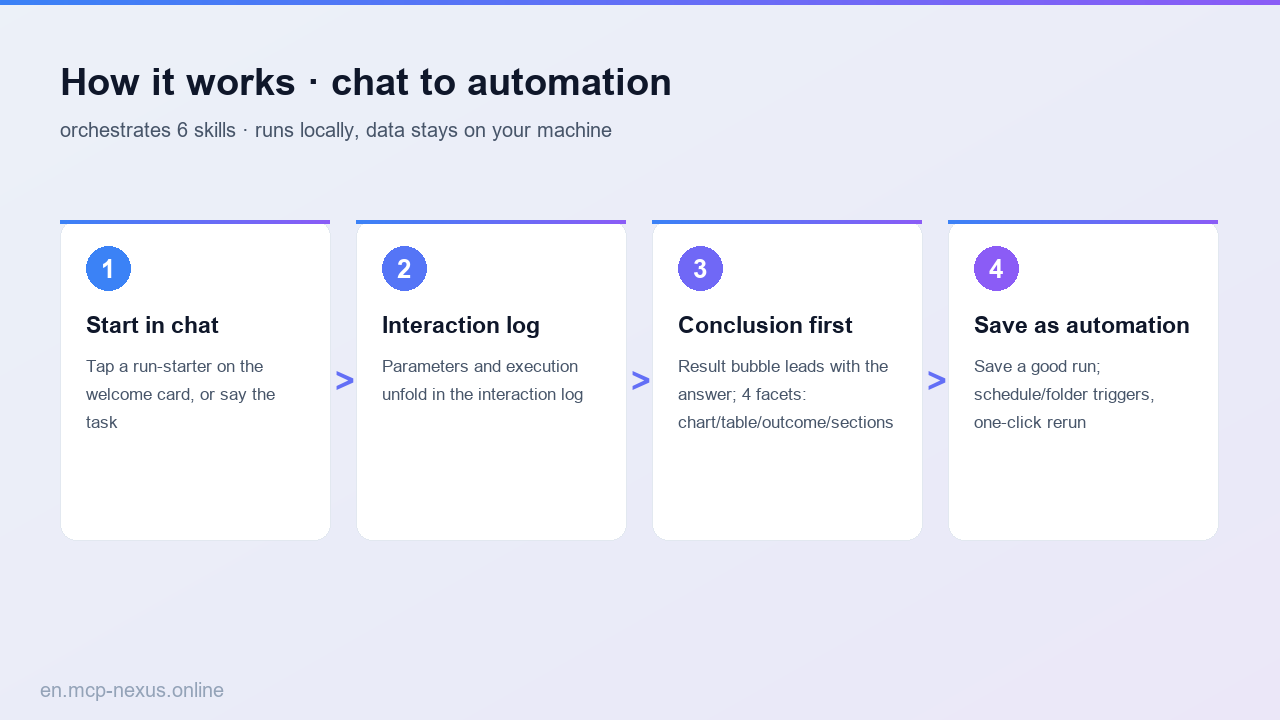

MCP Nexus converts document formats in bulk locally on Windows: PDF, Word, Markdown and PPT interconversion plus bulk Office content extraction, lifting conversion throughput by a large share.
- Interconvert PDF / Word / Markdown / PPT
- Batch-convert a whole folder, many files at once
- Bulk-extract Office text, tables and images
- Turn web pages straight into clean Markdown
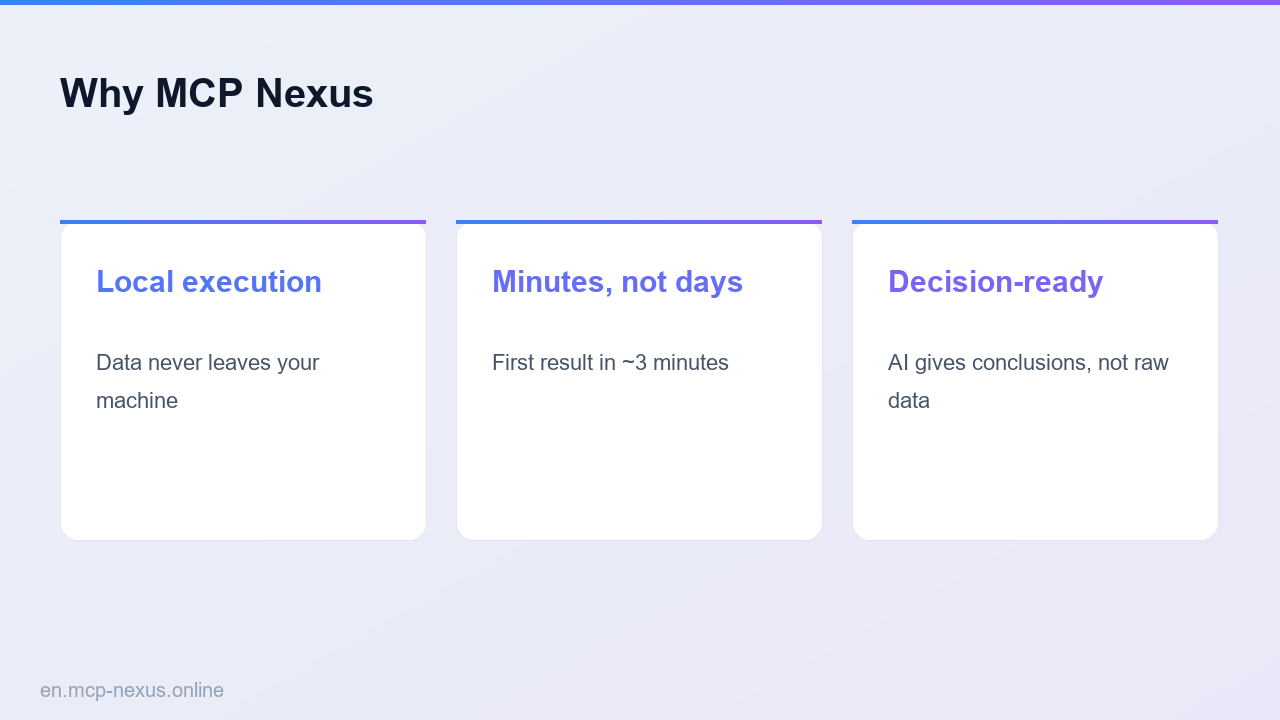
- Runs locally on Windows, documents never go to the cloud
What document format conversion is
Document format conversion turns files between PDF, Word, Markdown and PPT and extracts content from Office documents in bulk. Saving files one by one is slow. MCP Nexus packages multi-format conversion and extraction as configurable skills that process a whole folder at once with no coding, clearing a batch in a few minutes. Ideal for archiving, format standardization, content migration and building offline knowledge bases.
How it works
MCP Nexus comparison
| MCP Nexus | Option A: Manual save-as | Option B: Online converter | |
|---|---|---|---|
| Price | $21/year | $0 (one by one) | Free but limited |
| Local execution | Yes, on Windows | Yes | No, documents go to cloud |
| Time to proficiency | A few minutes | A few hours | A few minutes |
Real use cases
FAQ
Which conversions are supported?
PDF, Word, Markdown and PPT interconversion, plus web-page to Markdown.
Can it process a whole folder?
Yes. Choose a directory to batch-convert or extract; results follow the original folder structure.
Is layout preserved?
Headings, tables and lists are preserved where possible; complex layouts may need minor manual tweaks.
Is the data secure?
Everything runs locally on Windows; documents are never uploaded, suited to offline conversion of sensitive files.