Slides & Presentations
Generate decks from outlines, convert docs to slides, build brochures and flowcharts.
Skills in this bundle
PPT Magic
Generate a .pptx deck from a .docx or .md outline in one step. Supports heading-level mapping, automatic slide splitting, and optional template reuse.
Deck Architect
Generator ppt for office scenarios and output a structured, reviewable result with actionable recommendations. Prompt-class skill; results require human review.
Decksmith
Turn an outline into a self-contained, themed HTML slide deck (multiple visual styles + aspect ratios). Previews inline and exports to HTML/PDF. (Action Co-pilot: generates next-best-actions (actions.json), follow-up tasks and calendar reminders on top of the analysis — what to act on today.)
Brochure Maestro
Turn a one-line brief into a print-ready brochure, flyer, poster, product sheet or menu (PDF/PNG) - no design or Typst skills needed.
Design Scribe
Generate professional copy for design projects: UI text, microcopy, error messages, design descriptions, and marketing content based on design inputs.
Flowchart Magic
Turn a plain-language process description into a rendered flowchart (PNG/SVG), an editable drawio file, and Mermaid source. Full VISIO-standard engine: AI structure extraction, layered branch-aware layout, A* obstacle-avoiding orthogonal connectors, 4 themes. The drawio export keeps our clean auto-layout while letting you keep editing visually in drawio. Works offline with a deterministic skeleton when the LLM proxy is unreachable.
See it in action
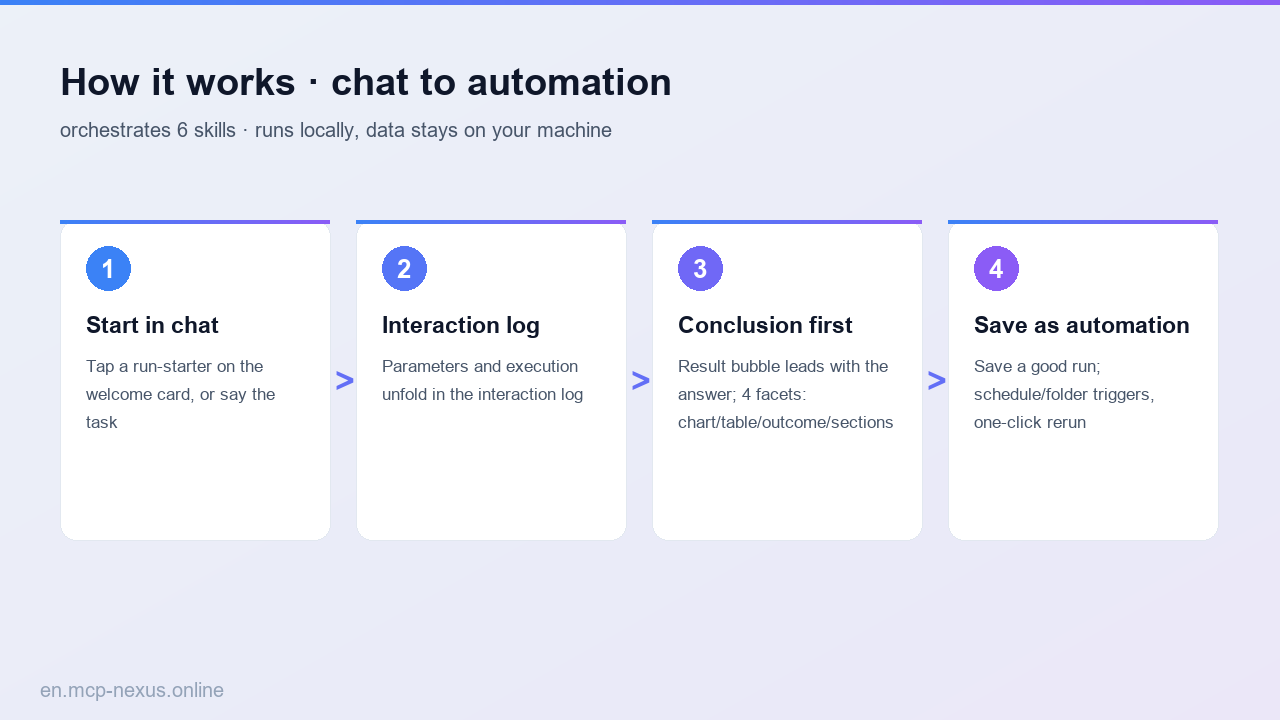

MCP Nexus builds slides and presentations locally on Windows: outline to deck in one click, docs to PPT, plus auto-generated brochures and flowcharts, lifting production throughput by a large share.
- One outline generates a full PPT in one click
- Auto-convert Word/Markdown documents to a deck
- Auto-layout brochures and one-pagers
- Draw flowcharts and architecture diagrams from a description
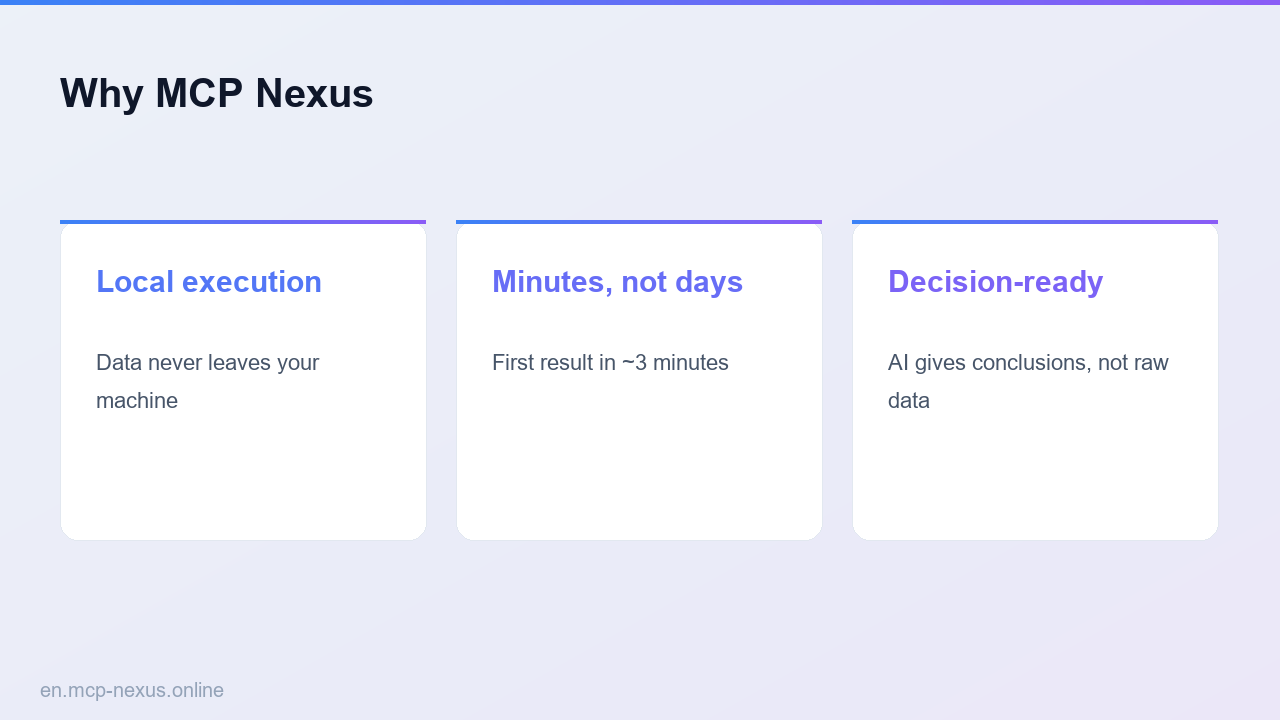
- Runs locally on Windows, assets never go to the cloud
What slides and presentations is
Building slides and presentations turns ideas into structured decks, brochures and diagrams for delivery. Laying out from scratch is time-consuming. MCP Nexus packages outline-to-deck, doc-to-PPT, brochure layout and flowchart drawing as configurable skills that produce drafts fast with no design background, generating a presentation draft in a few minutes. Ideal for reports, proposals, training and product intros.
How it works
MCP Nexus comparison
| MCP Nexus | Option A: Build PPT by hand | Option B: Online PPT tool | |
|---|---|---|---|
| Price | $21/year | $0 (Office required) | Annual subscription |
| Local execution | Yes, on Windows | Yes | No, assets go to cloud |
| Time to proficiency | A few minutes | A few hours | A few hours |
Real use cases
FAQ
Do I need design skills?
No. Provide an outline or document and it generates structured slides and diagrams to tweak.
Can it convert Word to PPT?
Yes. It detects document hierarchy and sections and converts to a structured deck.
Can the PPT be edited afterward?
Yes. It exports a standard PPT file to keep editing locally in Office.
Are assets secure?
Everything runs locally on Windows; documents and assets are never uploaded.