Personal Finance & Budgeting
Categorize spending, forecast cashflow, plan loan amortization, track budget variance.
Skills in this bundle
Spend Sorter
End-to-end personal finance categorization -- input transactions CSV (alipay/wechat/bank), output Excel with auto-categorization (food/transport/housing/entertainment), monthly cashflow, and savings rate.
Cashflow Radar
Forecast cashflow horizons (30/60/90 days), category breakdown, confidence intervals.
Loan Pulse
Generate loan amortization schedules -- equal payment (等额本息), equal principal (等额本金), comparison, prepayment simulation
Budget Sentinel
Compare budget vs actual spending -- calculates variance, flags over-budget items, supports department grouping and threshold alerts
FX Converter
Convert currencies with live exchange rates — single amounts, batch lists, or rate-only lookups.
See it in action
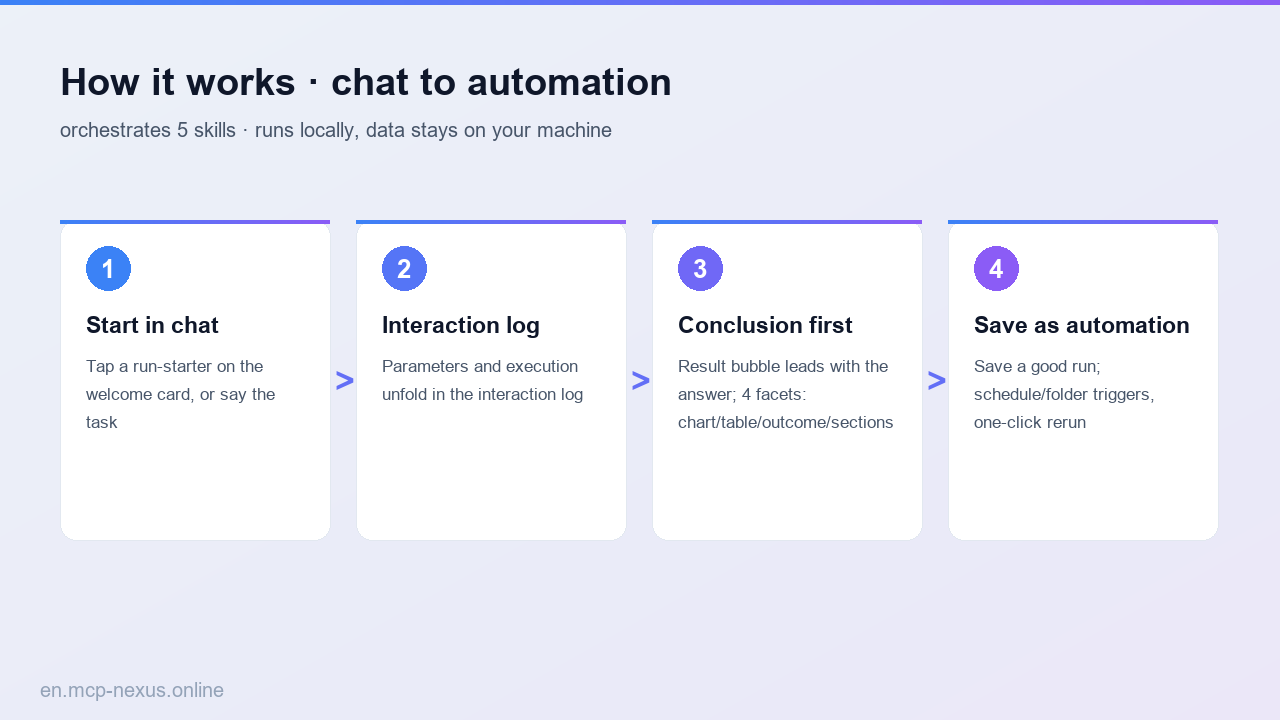
MCP Nexus handles personal finance and budgeting locally on Windows: auto-categorize spending, forecast cashflow, build loan amortization and track budget variance in one place, lifting bookkeeping throughput by a large share.
- Auto-categorize bank statements/bills into spending categories
- Forecast cashflow from income/expense trends
- One-click loan amortization (equal-payment/equal-principal)
- Auto-track and alert on budget-vs-actual variance
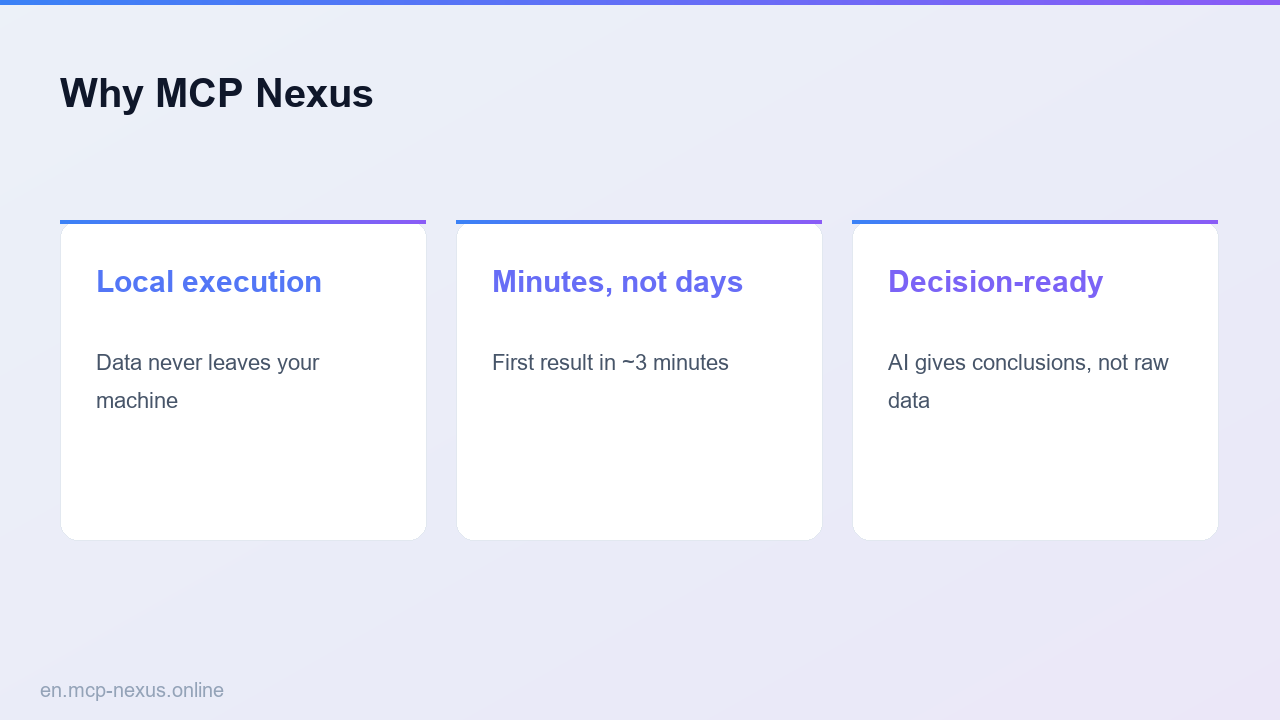
- Runs locally on Windows, statements never go to the cloud
What personal finance and budgeting is
Personal finance and budgeting turns transactions into categories, forecasts cashflow, plans repayment and tracks budgets. Manual bookkeeping is tedious and easy to drop. MCP Nexus packages spending categorization, cashflow forecasting, loan amortization and budget tracking as configurable skills that organize statements automatically with no coding, clearing a month of transactions in a few minutes. Ideal for household bookkeeping, loan planning and budget management.
How it works
MCP Nexus comparison
| MCP Nexus | Option A: Manual bookkeeping | Option B: Budgeting app | |
|---|---|---|---|
| Price | $21/year | $0 (tedious, easy to drop) | Subscription or ad-supported |
| Local execution | Yes, on Windows | Yes | No, statements go to cloud |
| Time to proficiency | A few minutes | A few hours | A few minutes |
Real use cases
FAQ
Which statement formats are supported?
Excel/CSV exports of bank statements and bills, with auto-detection of date, amount and counterparty.
Is spending categorization accurate?
It categorizes by counterparty and memo into common categories; correct and save as personal rules to reuse.
Can it model loan prepayment?
Yes. It builds equal-payment/equal-principal amortization tables and supports prepayment scenario analysis.
Is statement data secure?
Everything runs locally on Windows; bank statements and bills are never uploaded.