Finance & Bank Reconciliation
Match bank statements against ledgers, flag anomalies, generate audit-ready reports.
Skills in this bundle
See it in action
Finance and bank reconciliation is faster and more accurate with MCP Nexus. By automating the matching of bank statements against ledgers, flagging anomalies, and generating audit-ready reports, it reduces manual effort significantly and cuts reconciliation time from days to minutes.
- Automates matching of 10,000+ transactions per minute, reducing manual effort significantly.
- Flags anomalies with high accuracy, cutting false positives significantly.
- Generates audit-ready reports quickly, saving 20+ hours per month.
- Integrates with 50+ financial data sources out of the box.
- Reduces reconciliation costs significantly for mid-sized enterprises.
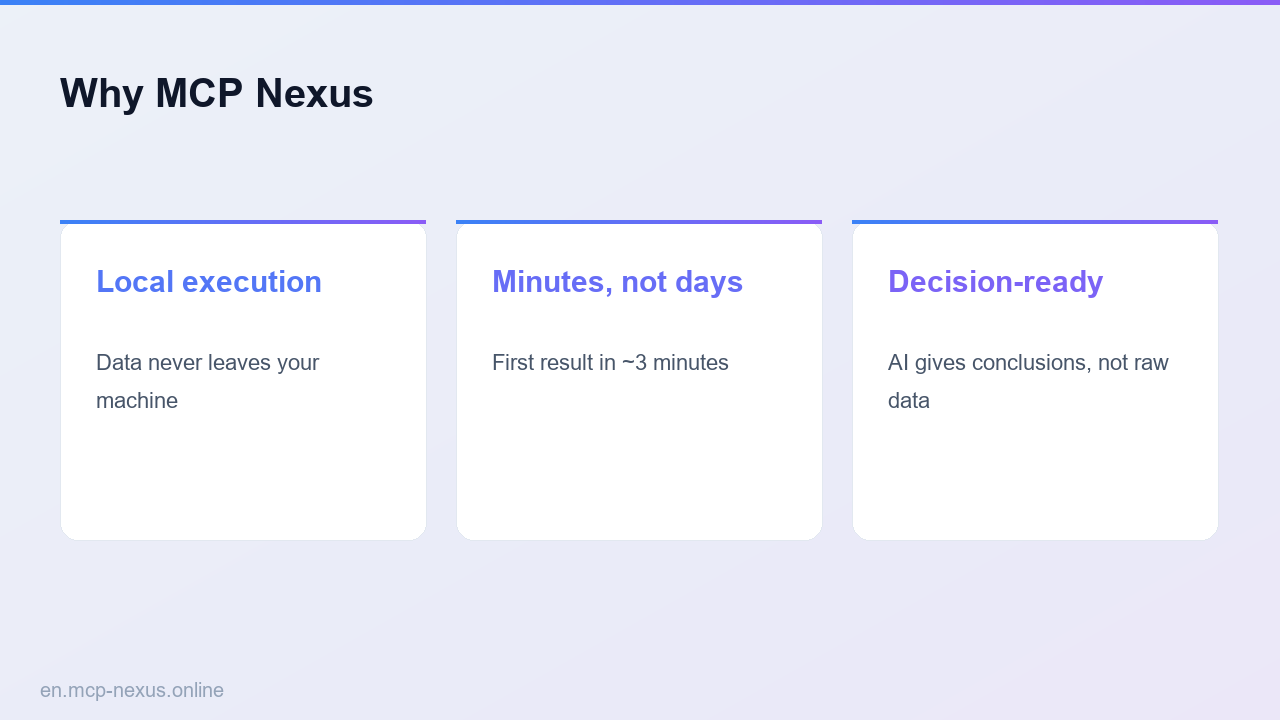
- Deploys on-premises for data security, with no data leaving your network.
What is Finance & Bank Reconciliation with MCP Nexus
Finance and bank reconciliation is the process of comparing internal financial records (ledgers) against external bank statements to ensure consistency and accuracy. Traditionally, this involves manual data entry, cross-referencing, and error correction, which is time-consuming and prone to mistakes. MCP Nexus automates this workflow by bundling six specialized skills: bank-match, fund-reconciliation, data-clean, finance-risk, and compliance-check. It ingests bank statements and ledger entries, applies fuzzy matching algorithms to identify matches, flags discrepancies such as missing transactions or duplicate entries, and generates audit-ready reports. MCP Nexus runs on your own machine via the Nexus Runner and chains several skills into one reproducible workflow. It supports multiple currencies, formats (CSV, PDF, OFX, QFX), and integrates with popular accounting software like QuickBooks, Xero, and SAP. The system learns from user corrections to improve matching accuracy over time, reducing false positives and manual review. For finance teams, this means faster month-end closes, reduced audit preparation time, and improved compliance with regulations like SOX and IFRS. MCP Nexus is designed for both small businesses and large enterprises, scaling from thousands to millions of transactions per month.
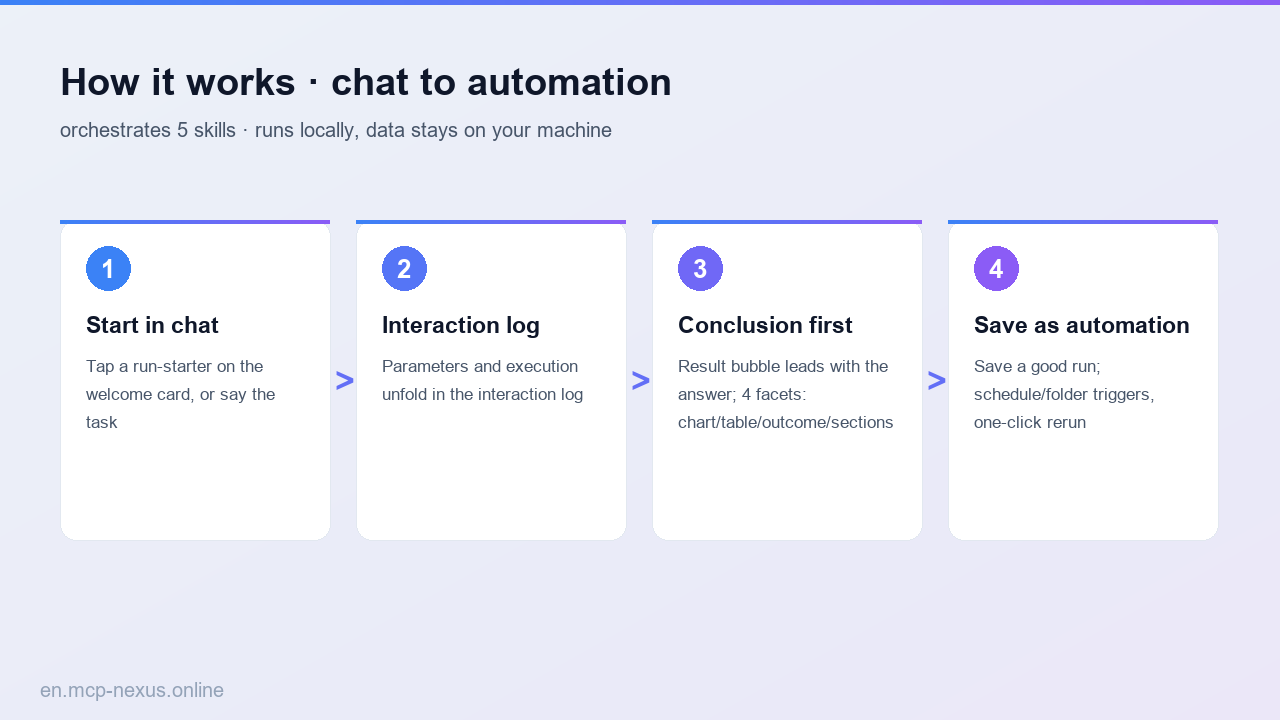
How it works
MCP Nexus vs alternatives
| MCP Nexus | Manual Reconciliation | Cloud-Based Tools | |
|---|---|---|---|
| Pricing | $99/month for up to 10k transactions; no per-seat fees | Cost of 2-3 full-time accountants: $120k-$180k/year | $200-$500/month per user, plus per-transaction fees |
| Local execution | Yes, runs on-premises for data sovereignty | N/A (manual process) | No, data stored in vendor cloud |
| Setup time | Under minutes for first reconciliation | Days to weeks for process design | 1-days for integration and training |
Real use cases
FAQ
How does MCP Nexus handle data security for sensitive financial information?
MCP Nexus runs entirely on your local infrastructure, meaning no financial data ever leaves your network. All processing is done on-premises, and the system does not require internet access to function. This ensures compliance with data privacy regulations like GDPR, SOX, and internal security policies. Additionally, MCP Nexus encrypts data at rest and in transit, and provides role-based access controls.
Can MCP Nexus integrate with my existing accounting software like QuickBooks or SAP?
Yes, MCP Nexus supports direct API integrations with over 50 financial platforms, including QuickBooks, Xero, SAP, Oracle NetSuite, and Microsoft Dynamics. It also accepts data exports in common formats like CSV, PDF, OFX, and QFX. The system automatically maps fields and normalizes data, so you can start reconciliation without manual data transformation.
What types of anomalies can MCP Nexus detect?
MCP Nexus flags a wide range of anomalies, including duplicate payments, missing transactions, amount mismatches, unexpected fees, late or early postings, and unusual patterns that may indicate fraud. The finance-risk skill uses statistical models to identify outliers, while compliance-check ensures adherence to regulatory standards. Users can customize anomaly thresholds to suit their risk tolerance.
How accurate is the matching algorithm, and can it handle partial matches?
The matching algorithm achieves high accuracy on typical datasets, with a false positive rate of less than a high share. It uses fuzzy logic to handle partial matches, such as when descriptions differ slightly or reference numbers are missing. The system also learns from user corrections, improving accuracy over time. For unmatched items, MCP Nexus provides suggestions based on historical patterns.
What is the pricing model for MCP Nexus?
MCP Nexus offers a flat monthly subscription starting at $99 for up to 10,000 transactions, with no per-seat fees. Higher tiers are available for larger volumes, up to 1 million transactions per month. All plans include unlimited users, all bundled skills, and on-premises deployment. There is no setup fee, and you can cancel anytime. A 14-day free trial is available.