Payroll Compliance Audit
Audit payroll against labor law and policy, flag large or anomalous payouts, and produce a compliance file.
Skills in this bundle
See it in action

MCP Nexus audits payroll against labor law and company policy, flags large or anomalous payouts, and produces a compliance file, upgrading payroll audit from sampling to full coverage.
- Audits payouts line by line against labor law and policy, with violations auto-flagged.
- Detects large, anomalous, and duplicate payouts and alerts on them.
- Built-in checks for income tax, social insurance, and overtime compliance.
- Cross-checks expenses against payroll to spot fictitious entries and cash-out.
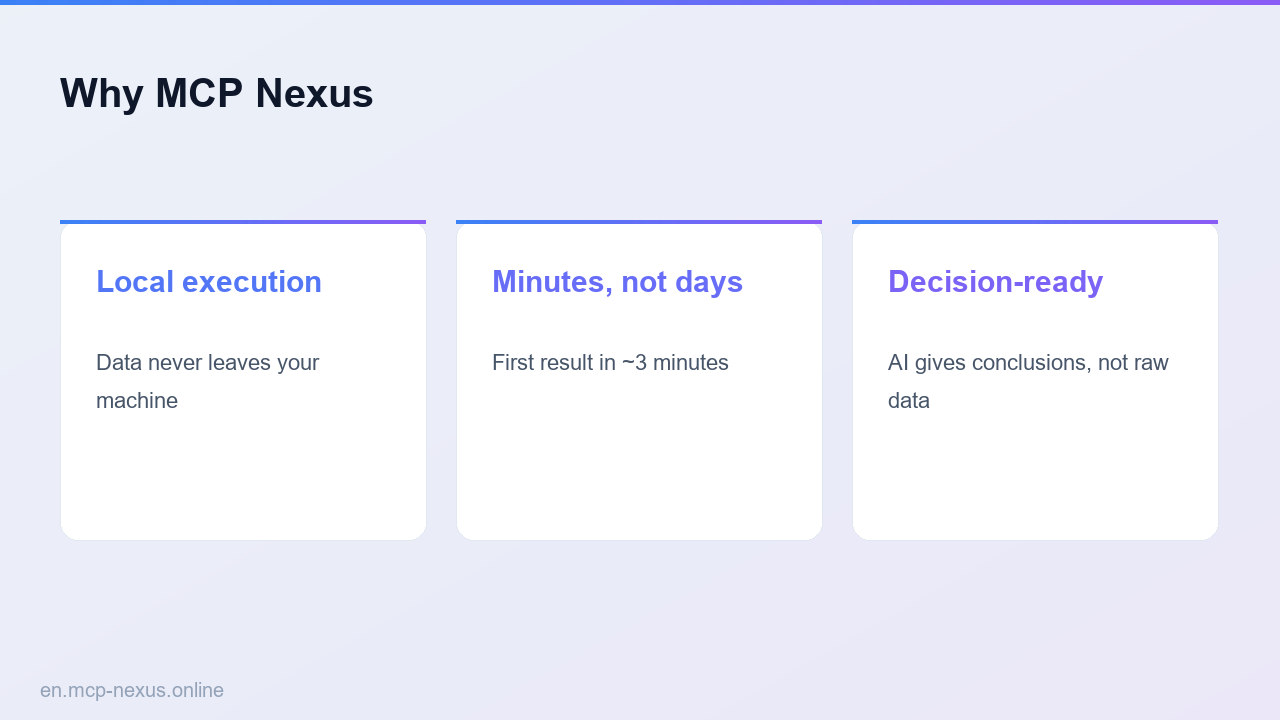
- Runs on your machine; employee payroll data stays in your network and the file is examinable.
What is payroll compliance audit with MCP Nexus
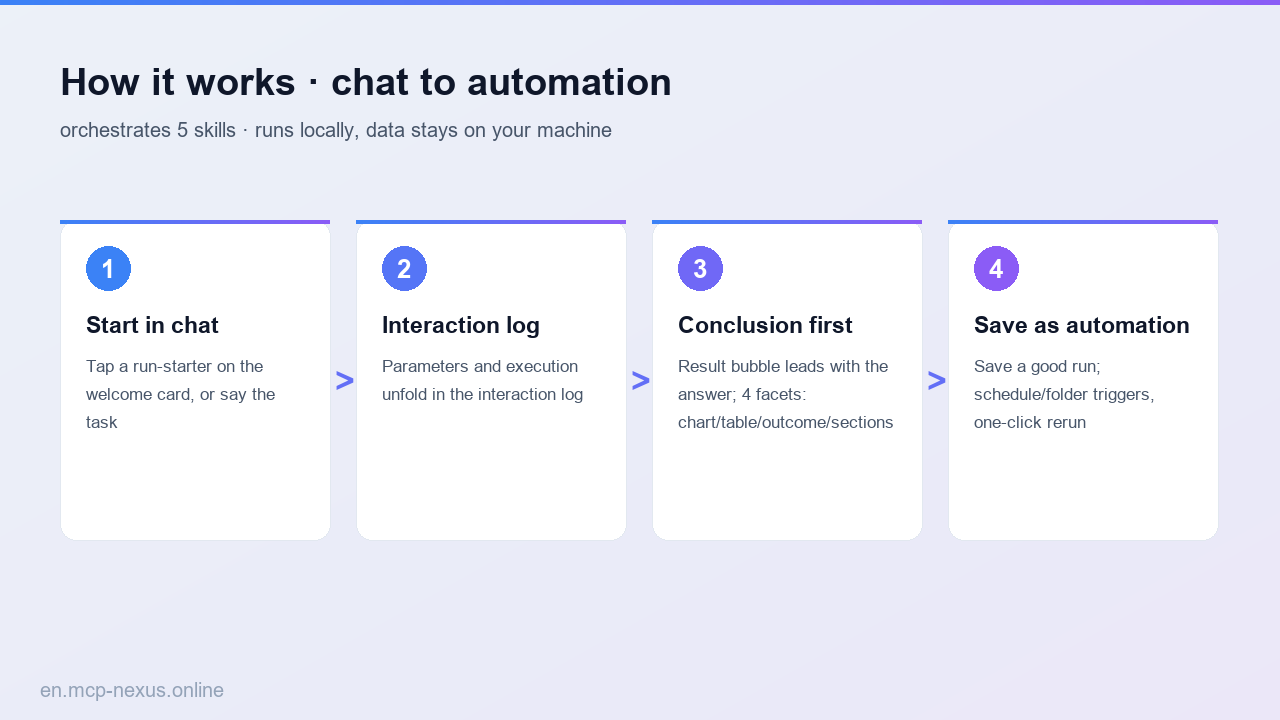
Payroll compliance audit checks payouts against labor law, tax, and company policy and identifies anomalies. MCP Nexus chains payroll-compliance-auditor, policy-compliance-checker, large-amount-test, compliance-check, and expense-travel-auditor to automate payroll auditing, anomaly detection, and compliance-file generation. It suits HR, finance, and internal audit, upgrading sampling into full coverage, all on-premises.
How it works
MCP Nexus vs alternatives
| MCP Nexus | Manual sampling / Excel | Generic AI / Cloud tools | |
|---|---|---|---|
| Pricing | Free tier, metered by calls | Many HR/audit hours | Per-seat plus per-volume fees |
| Local execution | Yes, data stays on-premises | Manual sampling | No, data leaves your network |
| Coverage | Full coverage | Sampling, easy to miss | Varies by plan |
Real use cases
FAQ
Which payroll data is supported?
Payroll sheets, social-insurance and tax detail, and payroll policy (Excel/CSV), auto-structured with audit rules built. All processing runs locally.
Can compliance rules be customized?
Yes. Labor-law, tax, and company-policy rules are configurable and checked line by line, with violations tagged by clause and reason.
What anomalies can it detect?
Large, anomalous, and duplicate payouts, calculation-basis errors, fictitious headcount, and cash-out via expenses, with suspicious items flagged upfront.
Why full coverage?
Automation is not limited by headcount and checks every payroll record line by line, upgrading sampling into full coverage and markedly reducing misses.
How is data security ensured?
Everything runs on your machine; sensitive payroll data never leaves the network, with private deployment and an examinable compliance file.